
Photo to coloring page
Photo to coloring page.
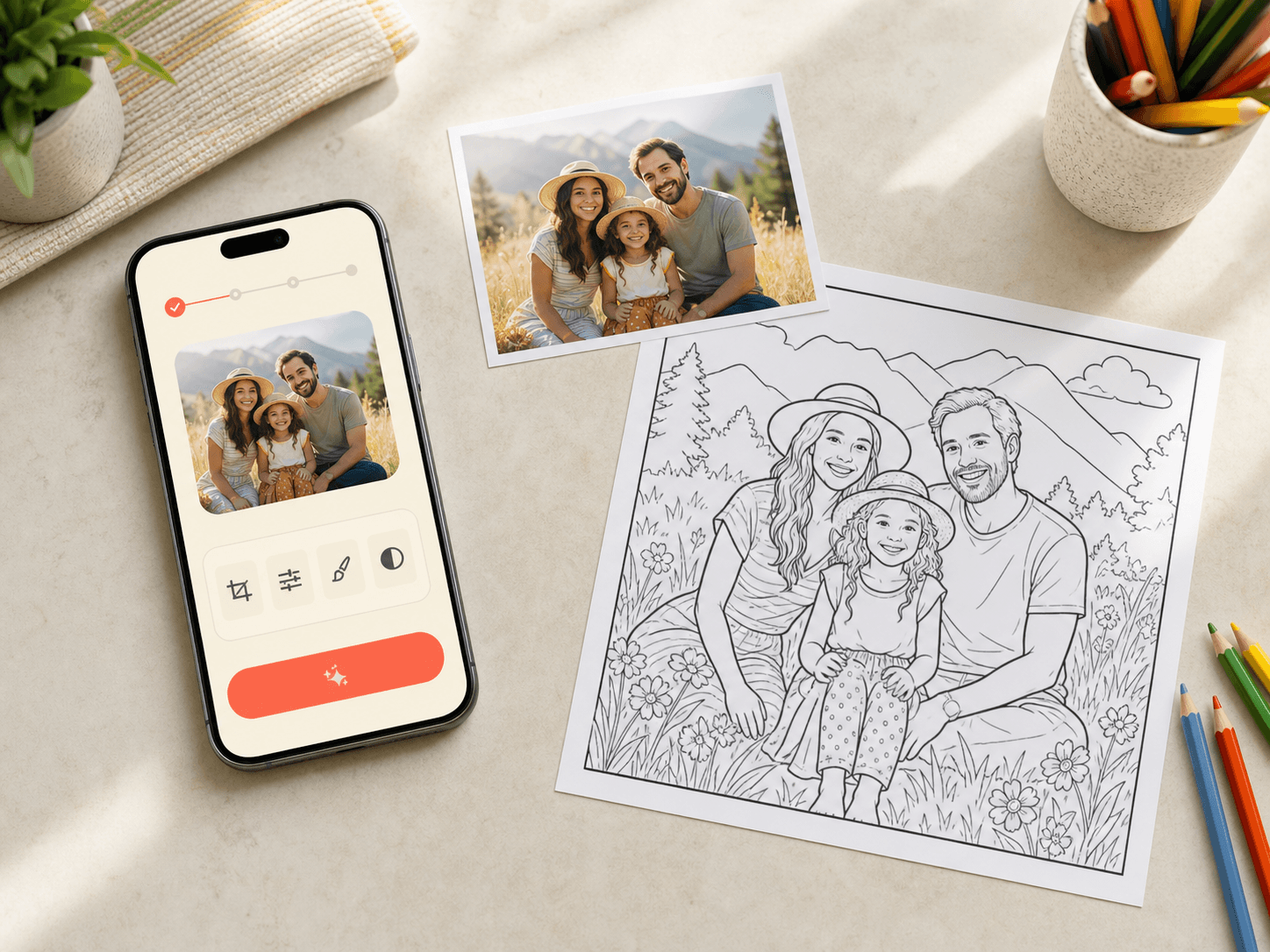
Convert a clear family, pet, or vacation photo into printable line art with age-right detail.

More personal than a filter.
ColorKind redraws the subject as colorable line art, simplifying visual clutter while keeping the moment recognizable.
Read the photo preparation guideFrom photo to printable coloring page
Start with a clear source, then choose the detail and format that fit the person coloring.
Choose a clear subject
Pick a bright photo where the people, pet, or object is easy to see.
Match the detail
Use simpler line work for younger children and more texture for older kids.
Review before printing
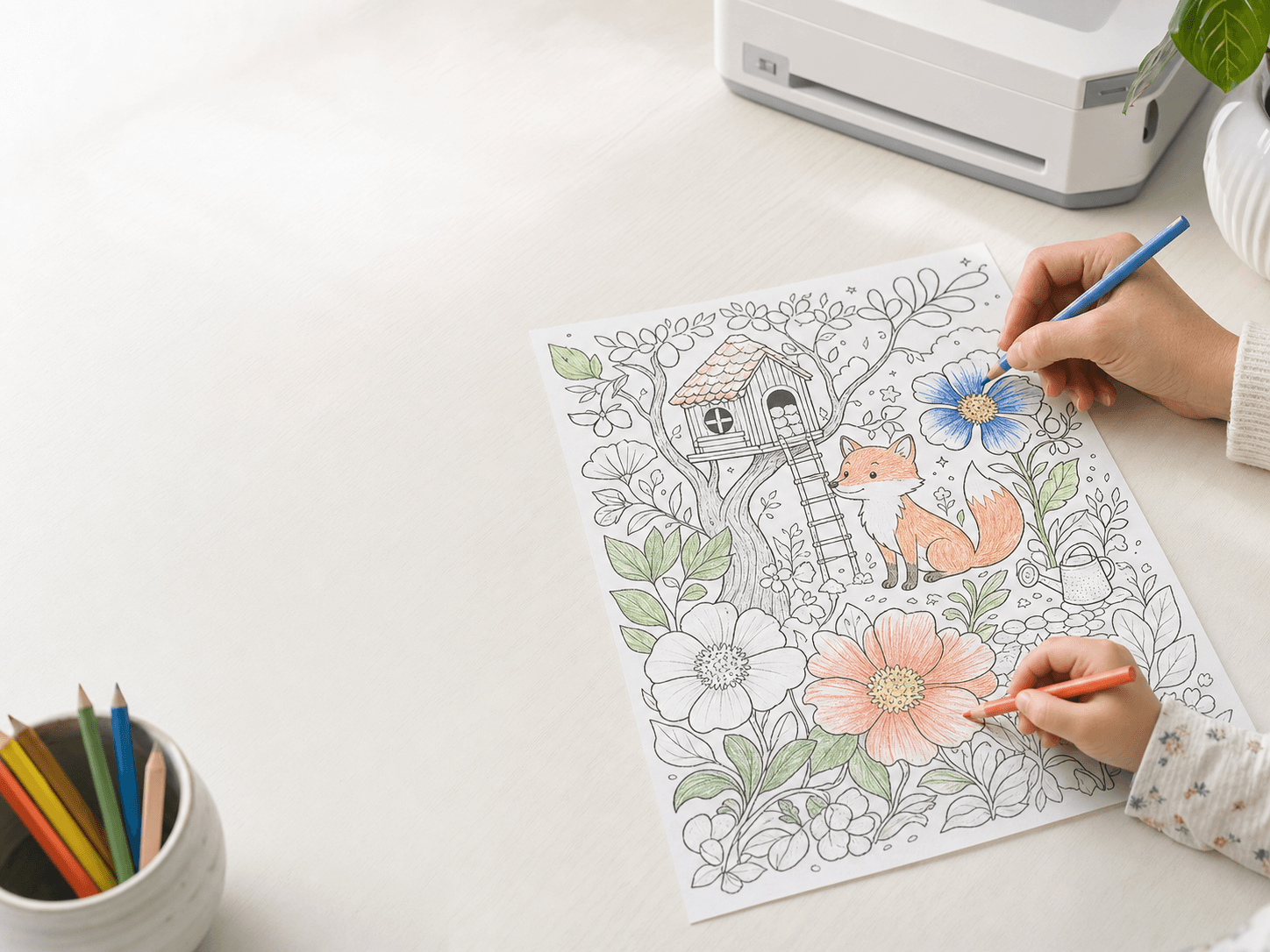
Check faces, hands, and small details, then print, save, or try a correction.
Make it in the app
Try it with a photo you already love.
Install ColorKind on iPhone or iPad, choose a clear photo, and use one of the five included pages to see how the moment translates.
Photos that translate well
ColorKind works best when the important part of the photograph is visually distinct.
Good light
Natural light and visible facial features give the redraw more information.
One clear moment
A focused subject usually colors better than a crowded group far away.
Useful separation
Contrast between the subject and background helps preserve the silhouette.
Family, pets, and favorite places
Use a bike ride, birthday morning, beach day, or quiet afternoon with the family dog.
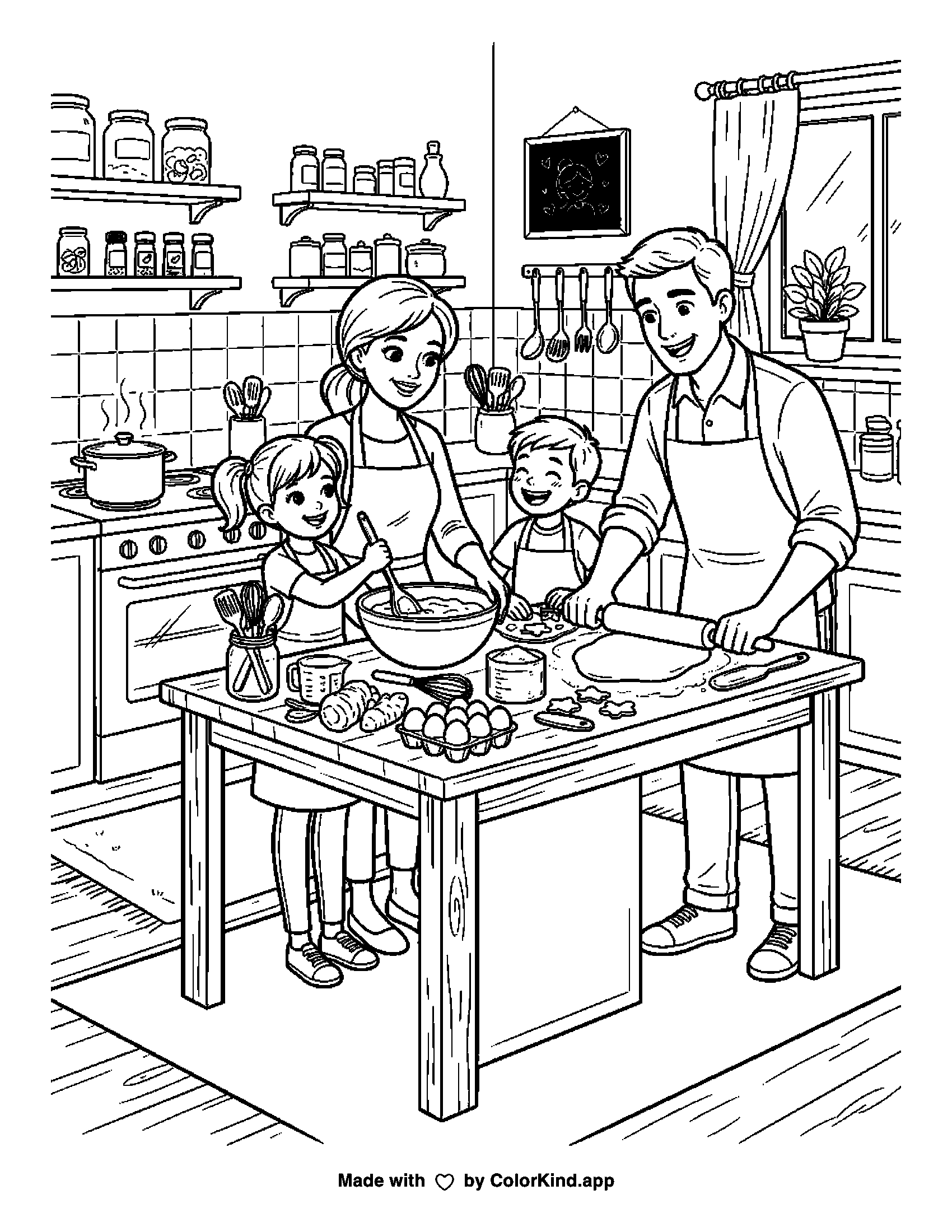
Try an idea of your own
Use one as written or change the subject, action, and setting.
Good questions before you start
What kinds of photos work best?
Use a bright, clear photo with the main subject easy to see.
Are my finished pages public?
No. ColorKind does not publish your finished family coloring pages in a public gallery.
Can I adjust the detail?
Yes. Pick from four detail levels before making the page.
Make one for someone you know.
Five coloring-page credits are included with a new ColorKind installation.